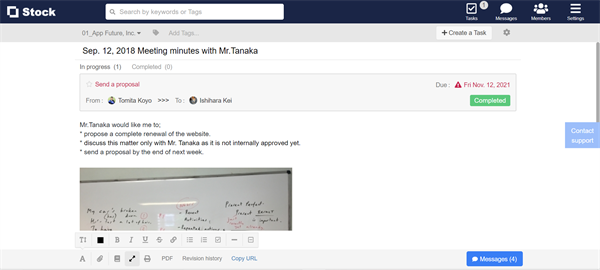
You can display Note in “Full screen” on desktop.
This is very convenient when you use a projector and an external screen to share Note with other Team members.
1. There is “Full screen” button on the lower of Note.
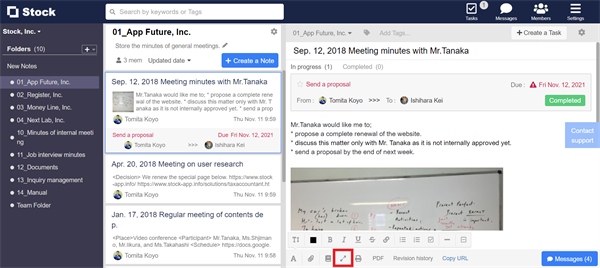
2. Click “Full screen” button.

3. Only Note is displayed in full screen.