
You can create Task not associated with Note in the following way.
<Desktop>
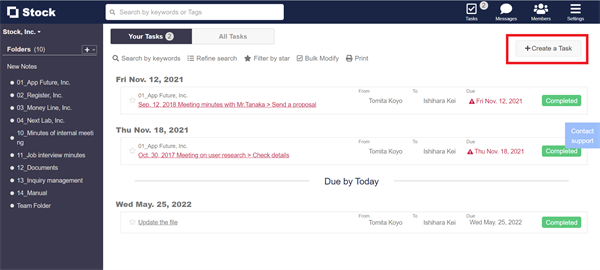
1. Click “Tasks” on header.

2. You can create Task not associated with Note from “+Create a Task” button in the upper right corner of All Tasks page.
<Mobile>
1. Tap “Tasks” on footer.
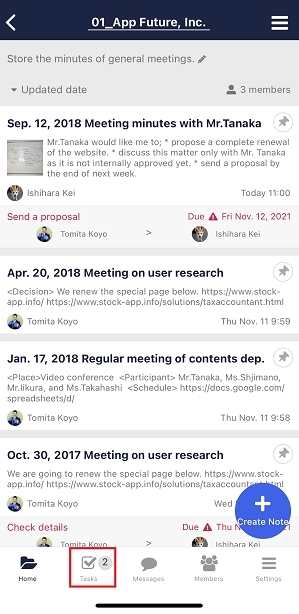
2. You can create Task not associated with Note from “+” button on header.

Check this article about how to create Task associated with Note.