How to designate recipient of Message (mention to designated members)

When you designate recipient, only the member gets notifications and other members are not disturbed.


<Desktop>


1. Click “To” button in Message screen.
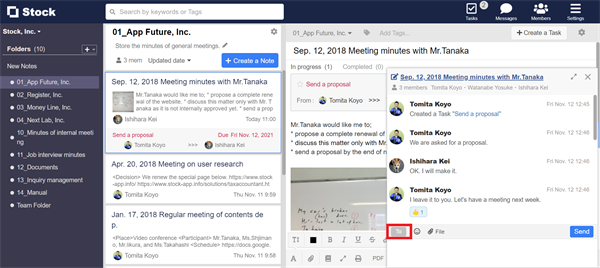

How to mention to members in Message on Stock_1

2. Select the member you want to designate as recipient.
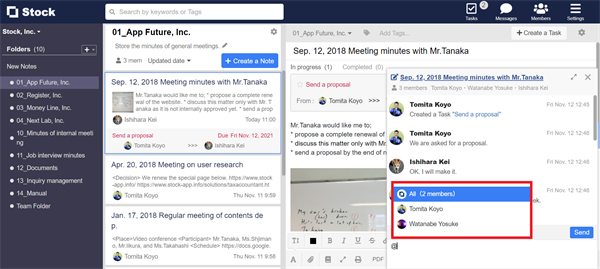

How to mention to members in Message on Stock_2

* You can also mention by entering “@” in the message area.


How to mention to members in Message on Stock_3

<Mobile>


1. Tap “To” button in Message screen.


How to mention to members in Message on Stock_4

2. Select the member you want to designate as recipient.


How to mention to members in Message on Stock_5

* You can also mention by entering “@” in the message area.
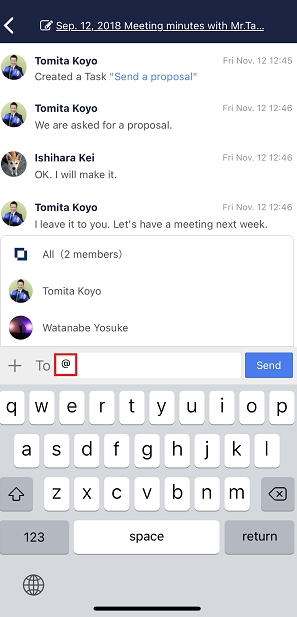

How to mention to members in Message on Stock_6

Contact using a contact form

If you have any questions or feedback, feel free to contact us using a contact form.