
You can receive notifications below by email.
* Notifications of “Created or Updated Notes”
* Notifications of “New Messages” (Only unread one)
* Notifications of “Tasks due by today”
<Desktop>
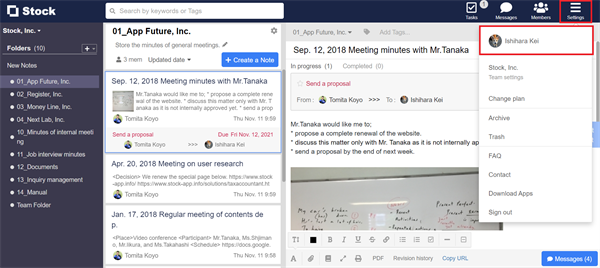
1. Click “Settings” on header and “Your name”.
2. Click “Notifications”.
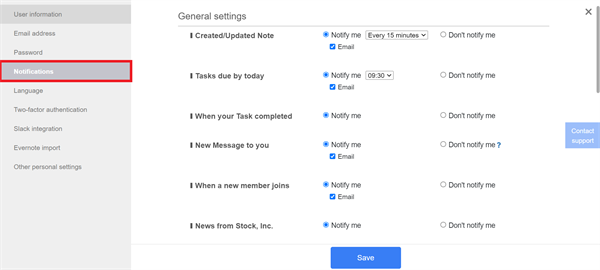
3. Turn on “Email” if needed.

<Mobile>
1. Tap “Settings” on footer and “Notifications”.

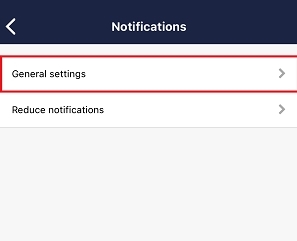
2. Tap “General settings”.
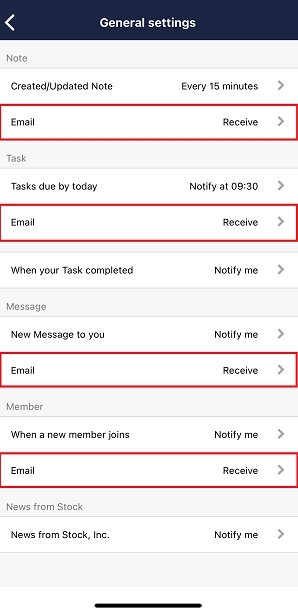
3. Turn on “Email” if needed.
* Beware that email delivery may be suspended if you do not sign in to Stock for two weeks.
(Once you sign in again, email delivery is restarted.)