
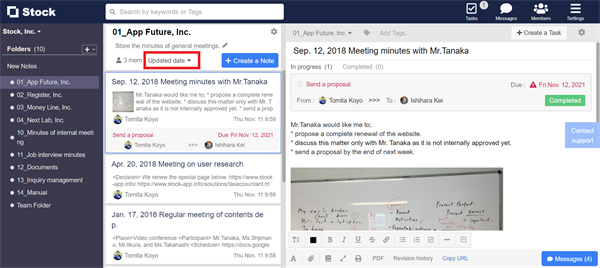
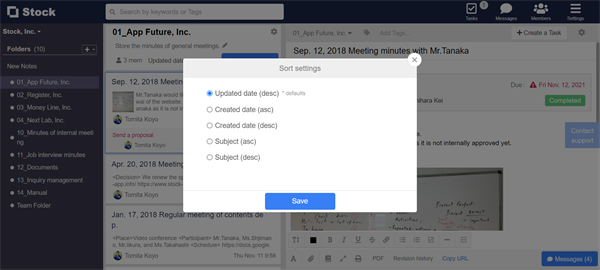
You can select “Updated date”, “Created date (asc)”, “Created date (desc)”, “Title (asc)”, “Title (desc)” as the order of Notes.
<Desktop>
1. Click “Updated date” on the upper of All Notes area.
2. Select the order you like.
<Mobile>
1. Tap “Updated date” on the upper of All Notes area.

2. Select the order you like.
