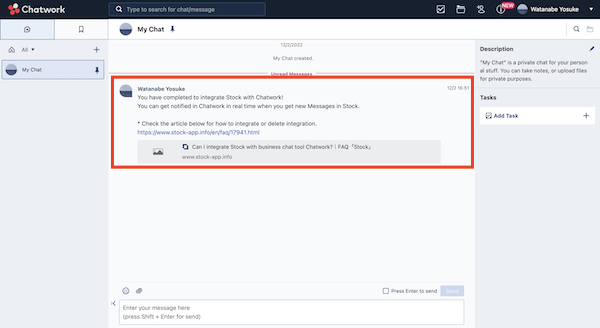
Yes. Integrating your account with Chatwork, you can get notified in Chatwork when you get new Messages in Stock.
* You can integrate only from a desktop.
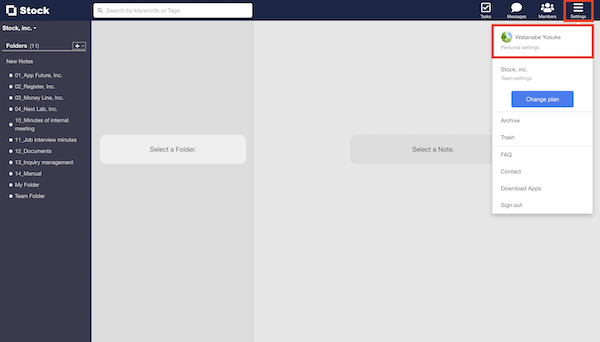
1. Click “Settings” in the upper right corner and “Change personal settings”.
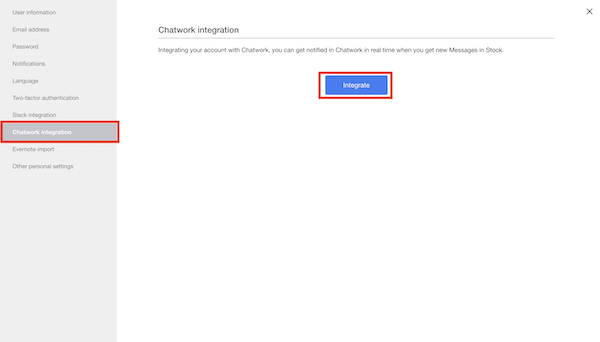
2. Click “Chatwork integration” in the menu on the left side and “Integrate” button.
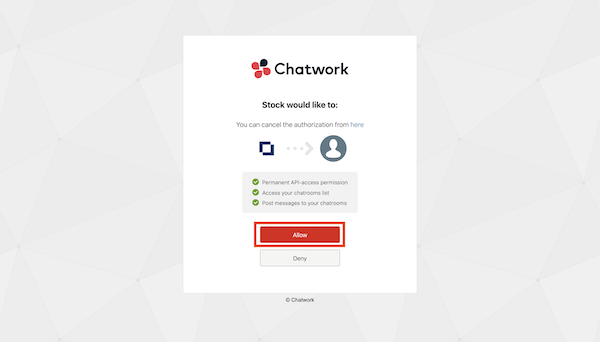
3. Click “Allow” on the Chatwork integration screen.
4. On completion of integration, click “Test integration”.
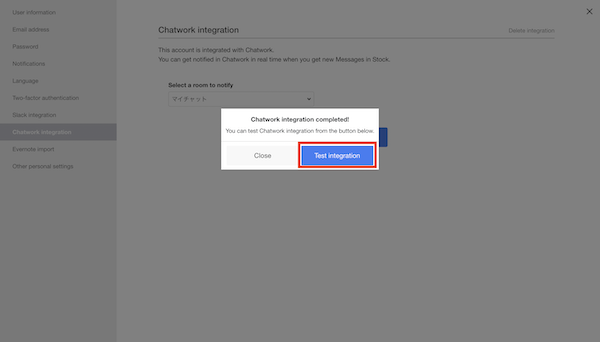
5. You have completed integration if you confirm the test message displayed on Chatwork.