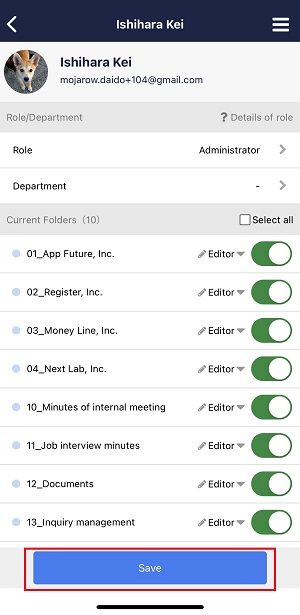
You can copy current Folders of an existing member to the new member in the following way.
<Desktop>
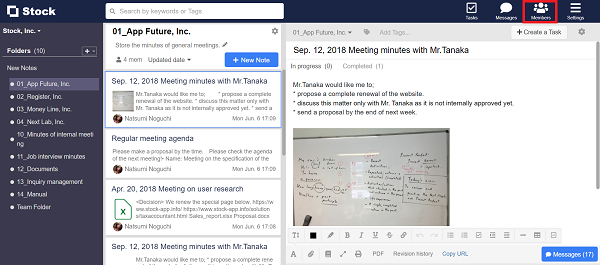
1. Click “Members” on header.
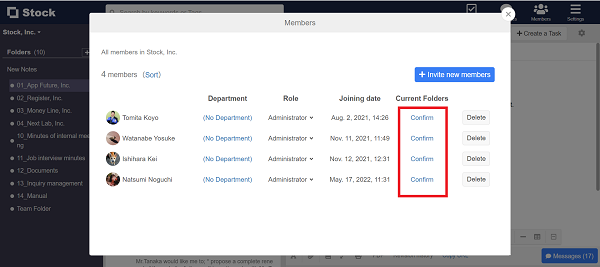
2. Click “Current Folders” column of the member whose Folders you want to set.
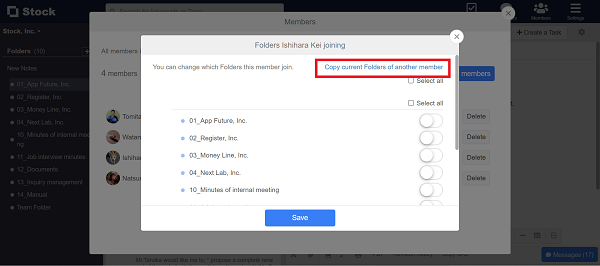
3. Click “Copy current Folders of another member”.
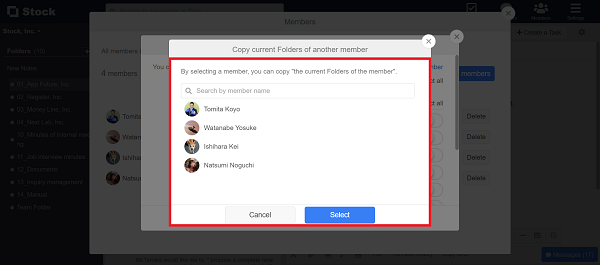
4. Select a member whose current Folders you want to copy and click “Select”.
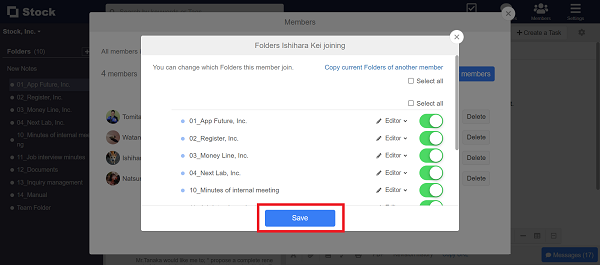
5. After the setting is reflected, click “Save” if it is OK.
<Mobile>
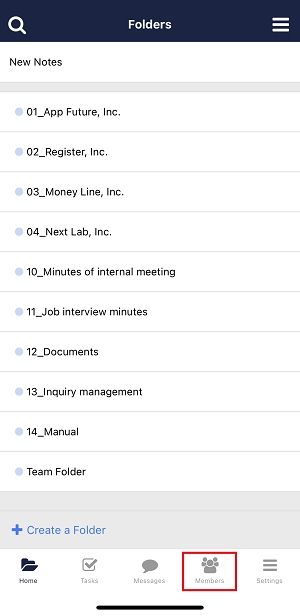
1. Tap “Members” on footer.
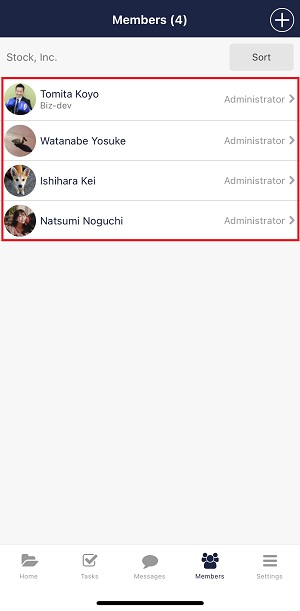
2. Tap “Current Folders” column of the member whose Folders you want to set.
3. Tap the hamburger menu in the upper right corner and “Copy current Folders of another member”.
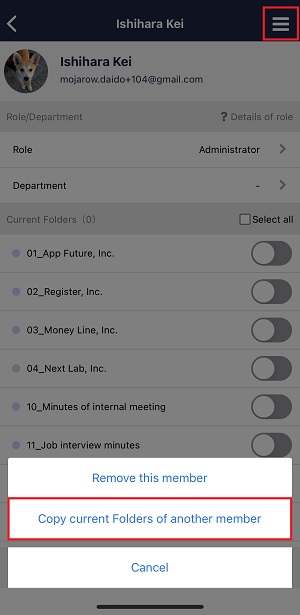
4. Tap a member whose current Folders you want to copy.
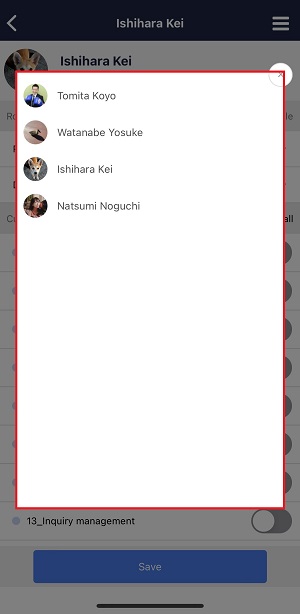
5. After the setting is reflected, click “Save” if it is OK.