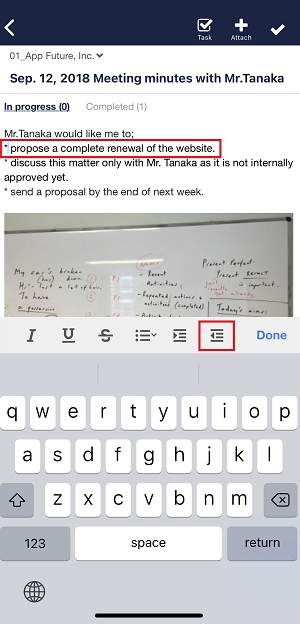
You can indent or outdent texts in Note in the following way.
<Desktop>
1. Click “Indent” or “Outdent” button in the lower of Note.

2. Click “Indent” button, and you can indent texts.

3. Cliick “Outdent” button, and you can outdent texts.

<Mobile>
1. Tap “Indent” or “Outdent” button in the tool bar.
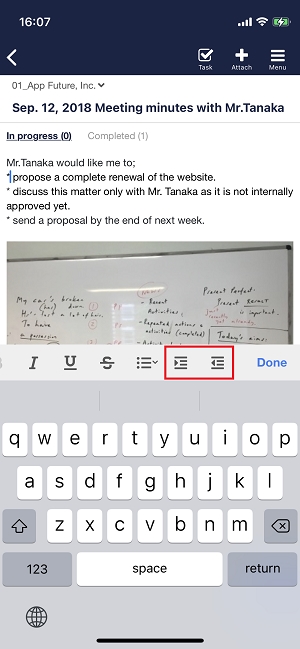
2. Tap “Indent” button, and you can indent texts.
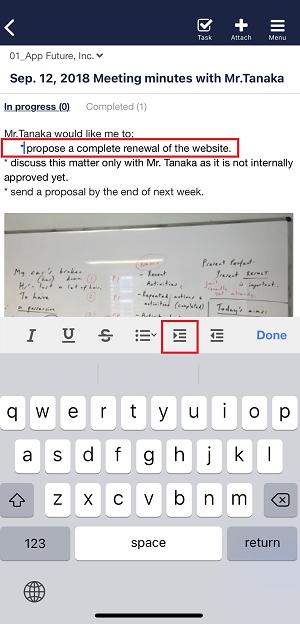
3. Tap “Outdent” button, and you can outdent texts.