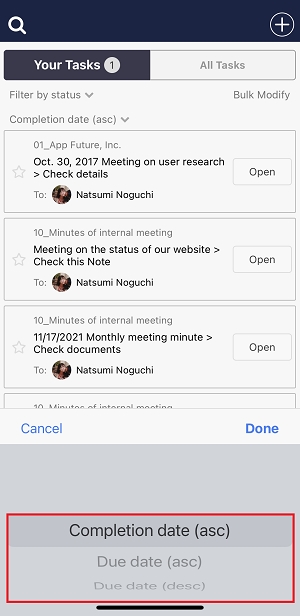
You can sort completed Tasks in the following way.
* The completed date of Tasks can be checked only from a desktop.
<Desktop>
1. Click “Tasks” on header.
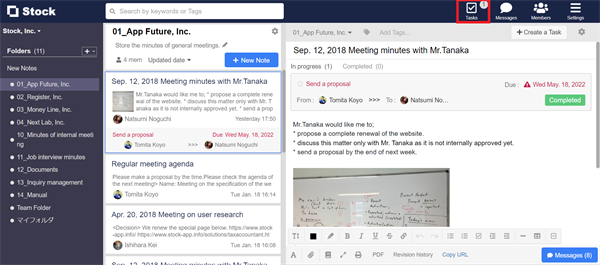
2. Click “Refine search”.
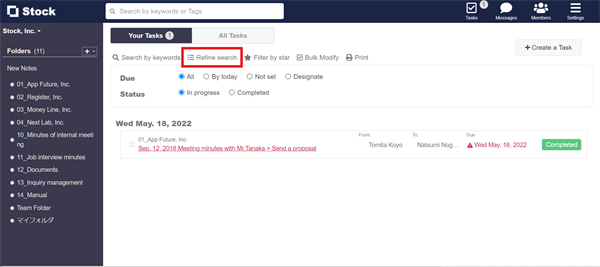
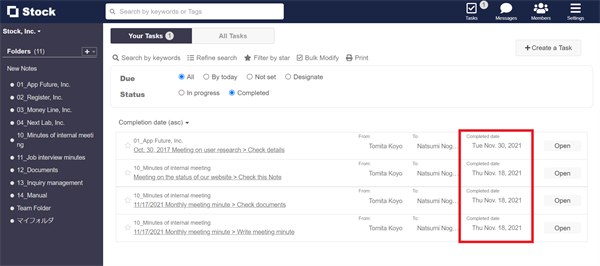
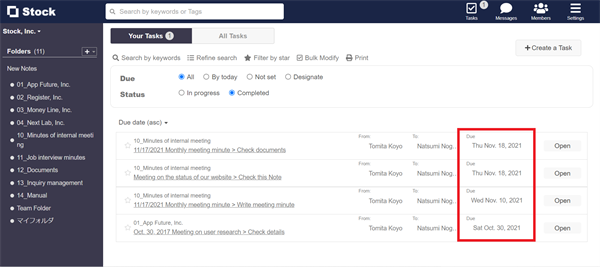
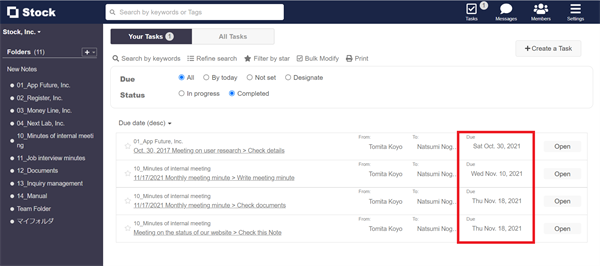
3. Set the status to “Completed”, click “Completion date” from the menu and select the order of Tasks.
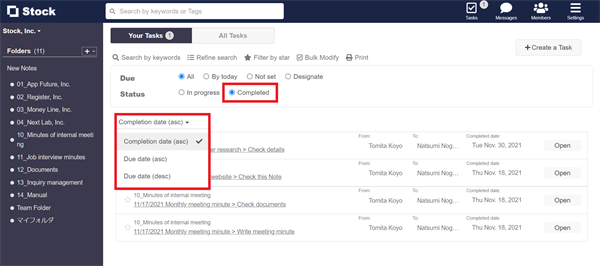
4. Completion dates are displayed at “Completion date”, and due dates are displayed at “Due date (asc)” and “Due date (desc)”.
<Mobile>
1. Tap “Tasks” on footer.
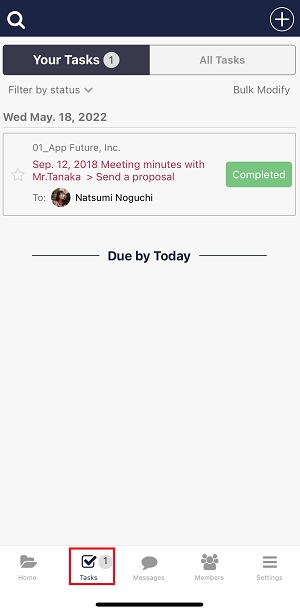
2. Tap the menu “Filter by status” and select “Display completed”.
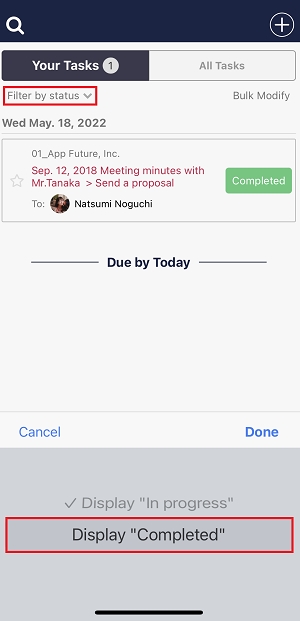
3. Tap the menu “Completion date” and select the order. Then the Tasks are sorted.