You can join the Team you were invited to in the following way.
<Desktop>
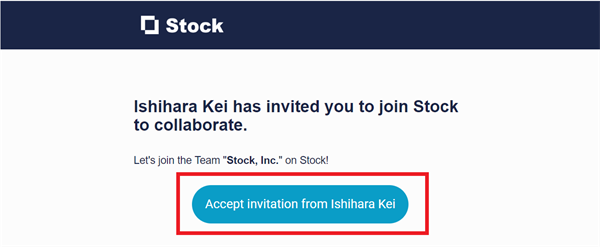
1. Click the button in the email from Stock or the URL sent by the inviter.
2. Click “Create a new account” if you do not have a Stock account.

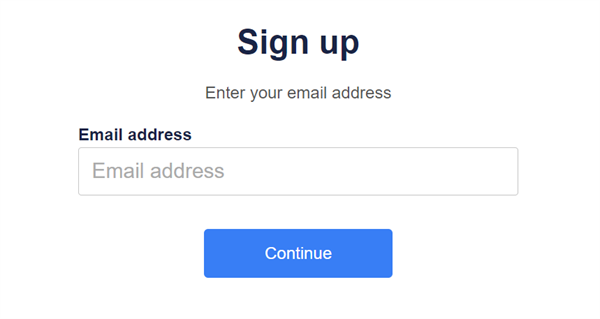
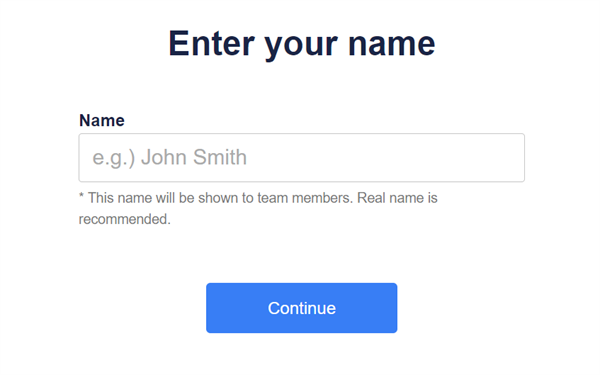
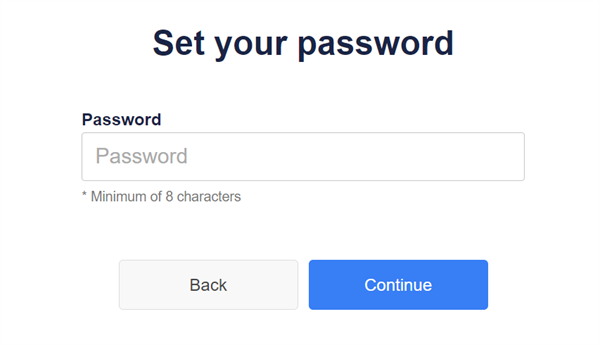
3. Enter “Email address”, “Name” and “Password” following the guide, and you can join the Team you were invited to.
<Mobile>
1. Tap the button in the email from Stock or the URL sent by the inviter.

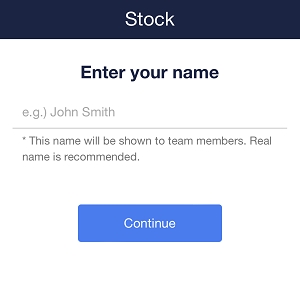
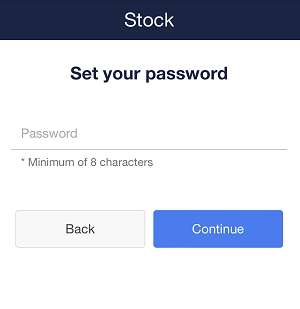
2. Enter “Email address”, “Name” and “Password” following the guide.

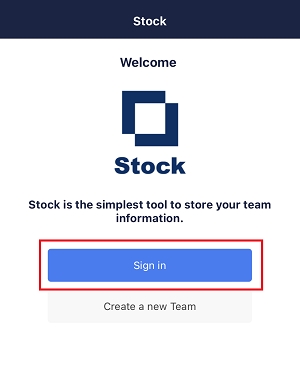
3. Install Stock app.
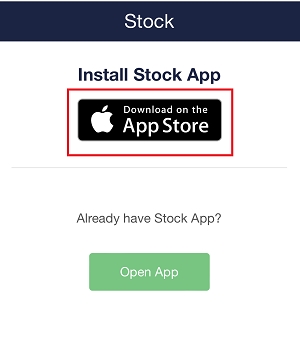
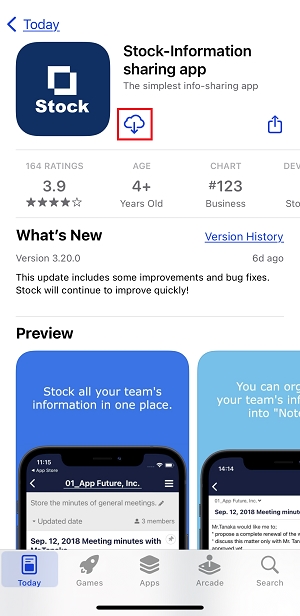
4. Tap “Sign in “, enter your email address and password, and you can access the Team you were invited to.。