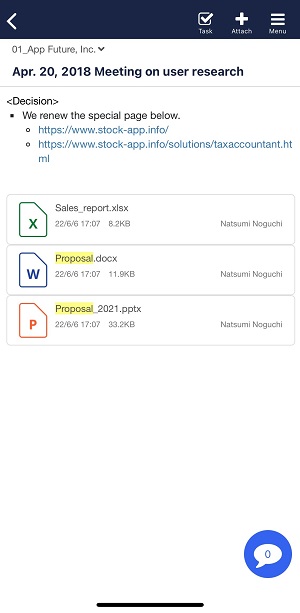
You can search by file name attached in Note in the following way.
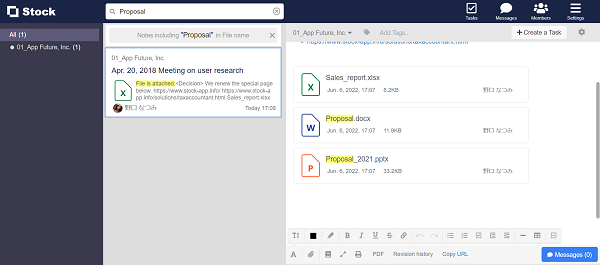
<Desktop>
1. Enter keywords in the search box and select “File name” as the search target.

2. All the Notes including the keywords in the file name are displayed.
The file is highlighted in yellow in Note.
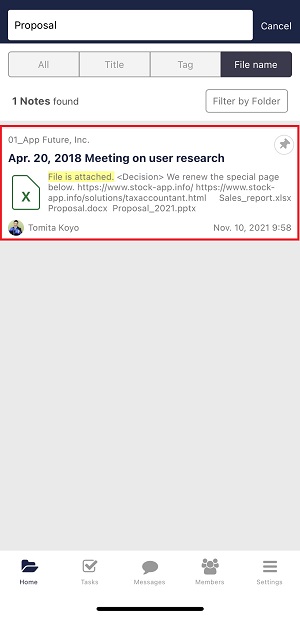
<Mobile>
1. Enter keywords in the search box and select “File name” as the search target.

2. All the Notes including the keywords in the file name are displayed.
3. The file is highlighted in yellow in Note.