You can remove a member in the following way when the member retires, for example.
<Desktop>
1. Click “Members” in the upper right corner.

2. Click the button “Delete” on the right side of the member you would like to remove.

<Mobile>
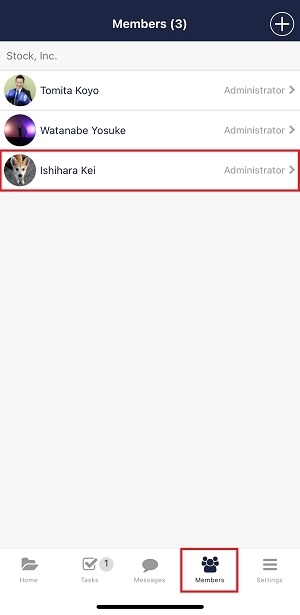
1. Tap “Members” on footer and select the member you would like to delete.
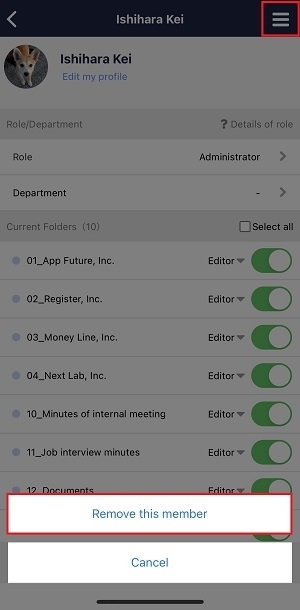
2. Tap hamburger menu in the upper right corner and tap “Remove this member”.